Site and contractor induction
Explore access routes, muster points and restricted areas. Test decisions at a crossing or work zone instead of asking someone only to remember a slide.
Rehearse plant routes, hazard recognition and approved responses without staging a live incident. Use VR for scenario practice and suitable AR equipment for guidance or remote assistance in the real workplace.
Discuss your project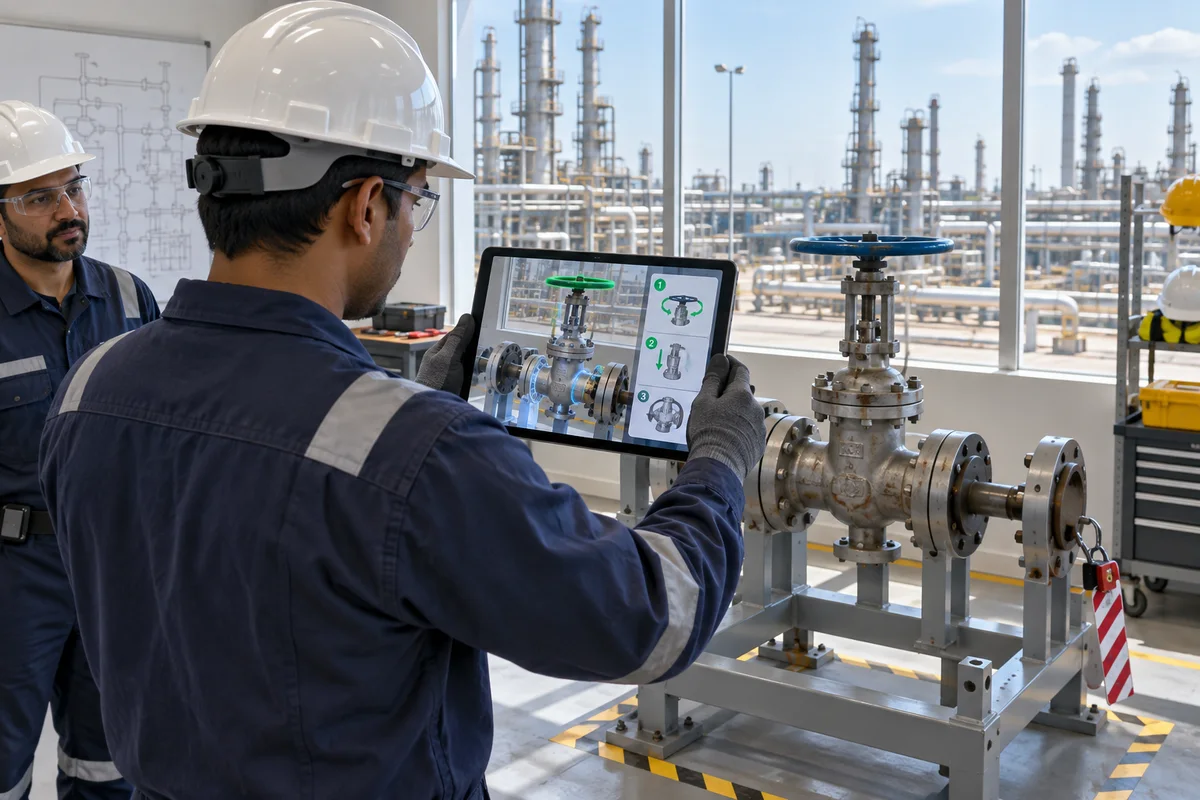
PRACTICAL USES
Site travel is expensive, and a live emergency cannot be staged simply to test a learner’s decision.
Explore access routes, muster points and restricted areas. Test decisions at a crossing or work zone instead of asking someone only to remember a slide.
Practise recognising an alarm, reporting a condition and taking the approved action. Debriefs reveal decisions that need more instruction.
Inspect a digital pump or compressor and rehearse checks. Teams can discuss access and task sequence before committing plant time to a supervised exercise.
PUBLISHED INDUSTRY EVIDENCE
Warp VR reports this rate for Brunei Shell Petroleum’s immersive-learning programme. It includes 360-degree scenarios and tablet delivery; it is not a 95% improvement, and the case does not publish a comparison-group result.
Source: Warp VR / Brunei Shell Petroleum, implementation caseExternal research and implementation examples. These are not measured results from Vrelab projects.
MEASURE YOUR PILOT
WHAT WE NEED FROM YOU
Site references, approved emergency procedures and operations/HSE reviewers. Training should reflect your own hazards; a visual model alone is not a validated process or fire simulation.
COMMON QUESTIONS
Do not assume it can. Use consumer headsets in a designated training location. Any device used in a hazardous area must meet the site’s equipment and certification requirements.
A training score alone cannot establish that. Track assessed behaviour and operational safety indicators over time, considering other changes at the site.