Device rollout
Plan headset setup, charging, hygiene, updates and a safe training space.
IT MANAGERS
Plan the devices, access and support needed to run XR reliably in a real workplace.
Discuss your project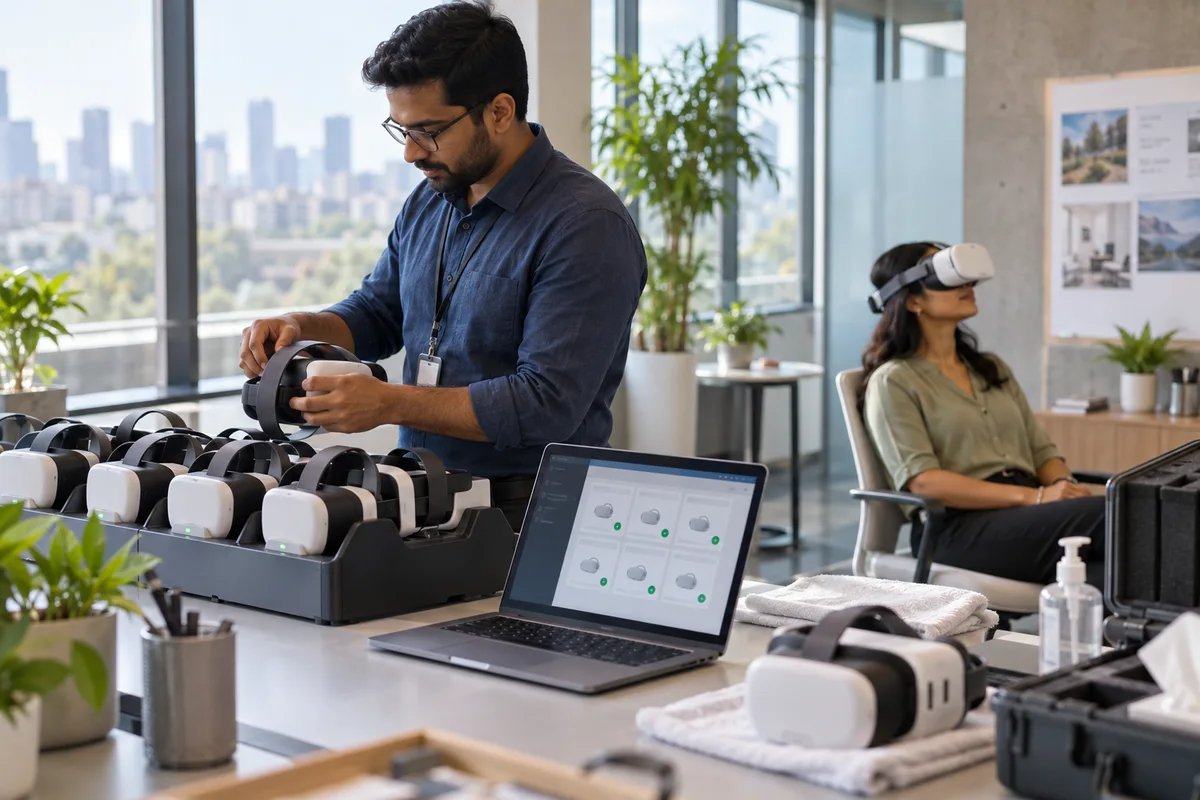
WHERE IT CAN HELP
The value of a learning experience depends on whether people can launch it, use it comfortably and receive help when something fails.
Plan headset setup, charging, hygiene, updates and a safe training space.
Agree how users sign in, what completion data is needed and where it may be stored.
Document recovery steps, device ownership and content updates with the training team.
We shape the first module around your audience, approved procedure and the decisions people need to make.
Review device availability, launch success, support issues and learner access by site.
COMMON QUESTIONS
Start with one clear learning goal and a practical rollout plan.
No. The first scenario is chosen around a role and shared with trainers, subject experts and IT as needed.
No. A small pilot can test one learning objective and audience before expansion.
A learning goal, an audience, approved reference material and the people who can review the scenario for accuracy.