
Process familiarisation
Walk through work areas, handover points and the order of a typical shift.
OPERATIONS MANAGERS
Use visual practice to connect new employees with equipment, handovers and the sequence of work before they join a live operation.
Discuss your project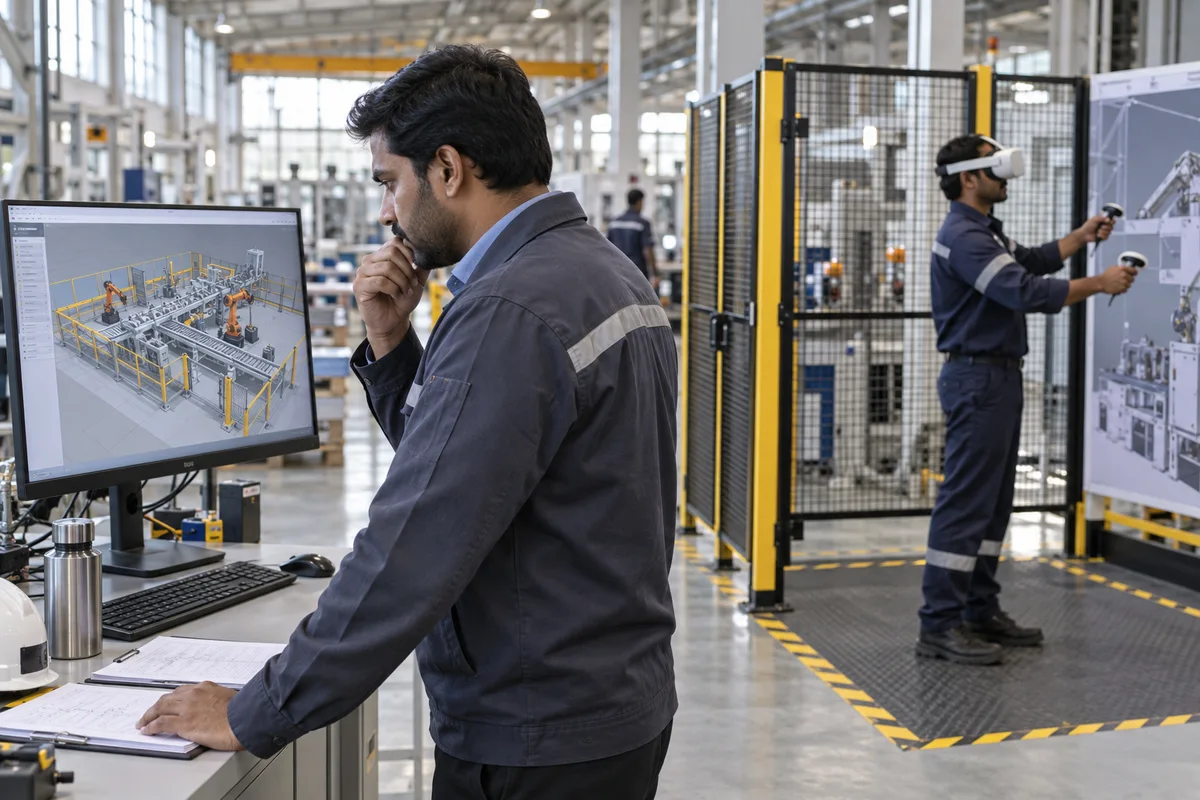
WHERE IT CAN HELP
A new operator needs more than a map or a checklist. Rehearsing the sequence can reveal misunderstandings before they affect a machine or delay a shift.
Walk through work areas, handover points and the order of a typical shift.
Practise identifying controls, pre-start checks and escalation points on a virtual model.
Explain a new layout or process with an interactive view before rollout.
Use a model of one work area to practise passing on equipment status, outstanding work, and escalation points. Have a supervisor score the same handover before and after practice.
The demo lets users inspect the full vehicle, its chassis, and individual parts. See CAPCP’s equipment demonstration.
Count missing handover items, minutes of supervisor coaching, and time to complete the handover. Track early rework separately if you have a reliable baseline.
COMMON QUESTIONS
Yes. Approved layouts and equipment drawings can support a virtual walkthrough. Your supervisors review the sequence and confirm any assumptions before learners use it.
Start with one crew and one task. Schedule practice around handover or existing training time, and record time away from the line in the pilot costs.
Identify which steps are shared and which depend on the site, machine, or shift. Scope local variants around the differences that change how the task is done.